Features
Legal document automation features
LegalDoc's legal document automation features cover guided drafting, AI contract review, a scoped assistant, task agents, shared team workspaces, typed electronic signatures and a personal document vault. Each is described below with what you provide, what you get back and where it stops.
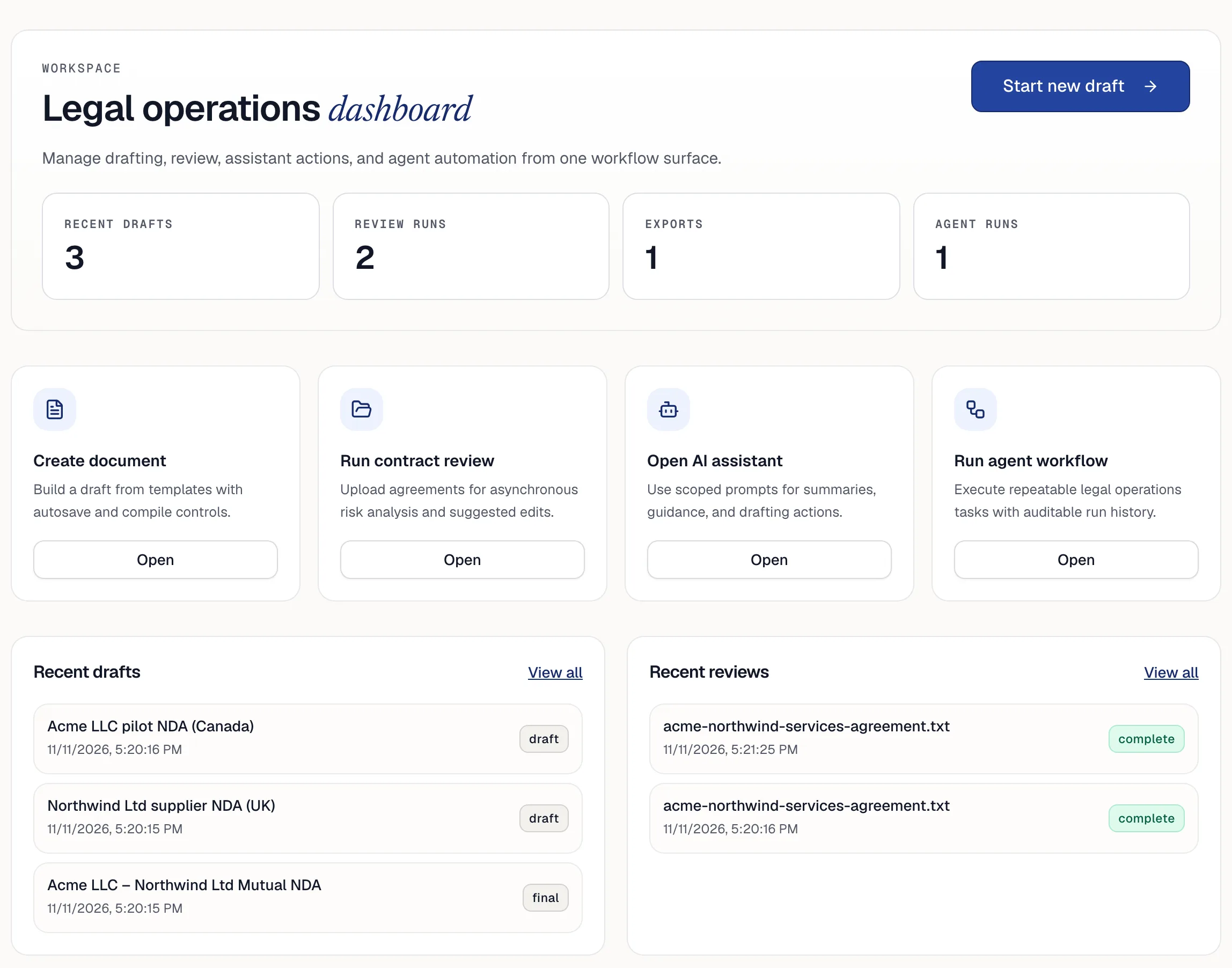
What each feature does today
Every row below describes shipped behavior: the input the product asks for, the result it saves, and the main limit to know before you rely on it. Follow a feature name for the full workflow.
| Feature | What you provide | What you get | Main limit |
|---|---|---|---|
| Document assembly | A template (12 families, each for the US, UK and Canada) and its required intake fields. | An editable draft with autosave. With a subscription, a PDF or DOCX export after you confirm the current version. | Exports require an active subscription. Unresolved placeholders block export. |
| AI contract review | An uploaded PDF, DOCX, TXT, Markdown or JSON file (up to 20 MB) and your AI processing consent. | Clause findings with a risk level, rationale, suggested language and confidence, plus an overall risk score. | Scanned PDFs need OCR text first. Findings are review signals, not a legal opinion. |
| AI assistant | A chat message, a jurisdiction and, optionally, a saved review you select as context. | Template suggestions, intake prompts, review summaries, clause alternatives and new drafts once intake is complete. | It cannot send messages, change subscriptions, delete documents or read other users' data. |
| Task agents | NDA intake answers, a completed saved review, or a consented lawyer request. | A new NDA draft, a review action summary, redline suggestions or a submitted lawyer request, with run history. | Review and redline agents only run on a review that finished successfully. |
| Team workspaces | Invited colleagues with owner, admin, editor or viewer roles, and a shared copy of a compiled draft. | Shared agreements with version-checked saves, comments, an agreement register and ordered approvals. | Explicit saves with conflict comparison. No live co-editing or cursors. |
| Electronic signatures | A shared agreement (approved first when a policy applies) and up to 10 recipient emails. | A typed electronic signature record with a SHA-256 fingerprint and a downloadable PDF record. | Sender needs a subscription. Not a cryptographic, qualified or notarized signature. |
| Document vault | Your personal drafts and their exports. | Search, reopening, export downloads, a retention period per document and confirmed deletion. | Covers personal drafts. Shared team records are retained separately. |
How the features connect from draft to signature
You can use any feature on its own. When used together, a personal draft moves into a shared workspace for approval and signing, while the vault keeps the private copy under your retention setting.
Step 1
Draft
Pick a template, complete the required intake fields and edit the generated draft. Autosave keeps your changes.
Step 2
Review
Upload a counterparty contract or your exported draft for clause findings, then ask the assistant or an agent to summarize or propose redlines.
Step 3
Collaborate
Share a copy of a compiled draft into a team workspace, comment, and route it through an ordered approval policy if your team uses one.
Step 4
Sign or export
Send the approved version for typed electronic signatures, or confirm the current version and export PDF or DOCX.
Step 5
Keep or delete
Reopen personal drafts from the vault, set how long each one is kept, and delete drafts and exports you no longer need.
Collaboration and signing details: team workspaces with roles and ordered approvals, typed electronic signature requests and personal document retention controls.
When LegalDoc is a poor fit
LegalDoc is document automation with review, collaboration and signing, not a contract lifecycle management suite. If you need any of the following, plan for another tool.
- Post-signature obligation tracking, renewal workflows or a full contract lifecycle management suite. Shared agreements carry a renewal date field in the register, nothing more.
- A Microsoft Word add-in or integrations with procurement, CRM or e-billing platforms.
- Real-time co-editing, live cursors or character-level merging in shared documents.
- Qualified, certificate-based or notarized signatures.
- SAML or SCIM provisioning. One deployment-configured company OIDC provider is supported for sign-in.
- Legal advice or representation. A lawyer request is a separate intake step.
Deciding between categories? Read contract lifecycle management vs legal document automation before you shortlist vendors.
Questions about scope and access
Is LegalDoc a contract lifecycle management (CLM) platform?
No. LegalDoc covers drafting, review, shared agreements, approvals and typed signatures. It does not manage obligations, renewals or post-signature performance beyond a renewal date field in the team agreement register.
Which features need a paid plan?
PDF and DOCX exports and sending signature requests require an active subscription on the requesting account. Signature recipients do not need a subscription. AI features have hourly and daily usage limits.
Which jurisdictions do the templates cover?
Each of the 12 template families has a United States, United Kingdom and Canada variant, for 36 variants in total. Review uploads accept an optional US, UK or Canada jurisdiction hint.
Do these features replace a lawyer's review?
No. Drafts, findings and assistant replies support your own review. They are not a legal opinion, and nothing in the product establishes legal representation.
Next steps: try the US NDA template, paste contract text into the contract summary generator, compare monthly and annual pricing or book a demo around your agreement types.